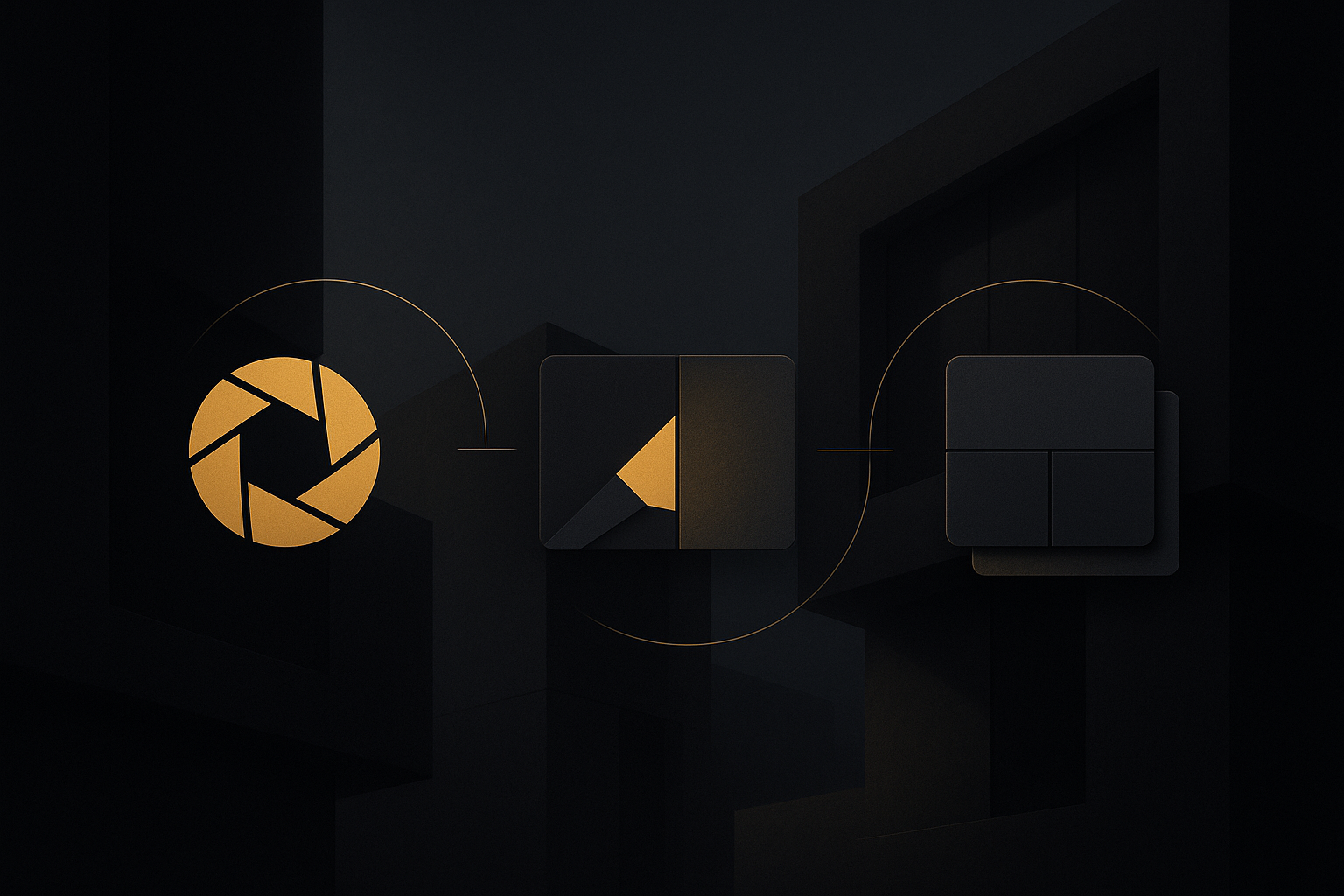
- Shoot or import. Bring photos from your library or camera into a listing project.
- Pick an edit. Choose window pull, sky replacement, twilight, or an on-device fix.
- Review before/after. Compare the result with the original before you keep it.
- Export the listing. Batch resize the set. Originals stay next to edits. The Digitally altered label is on by default.
Cloud AI runs only after you allow it. GPS metadata is stripped before upload. Failed cloud edits return the credit.
Next: features · batch export checklist.